> ## Documentation Index
> Fetch the complete documentation index at: https://diogo-home-lab.mintlify.site/llms.txt
> Use this file to discover all available pages before exploring further.
# Introduction
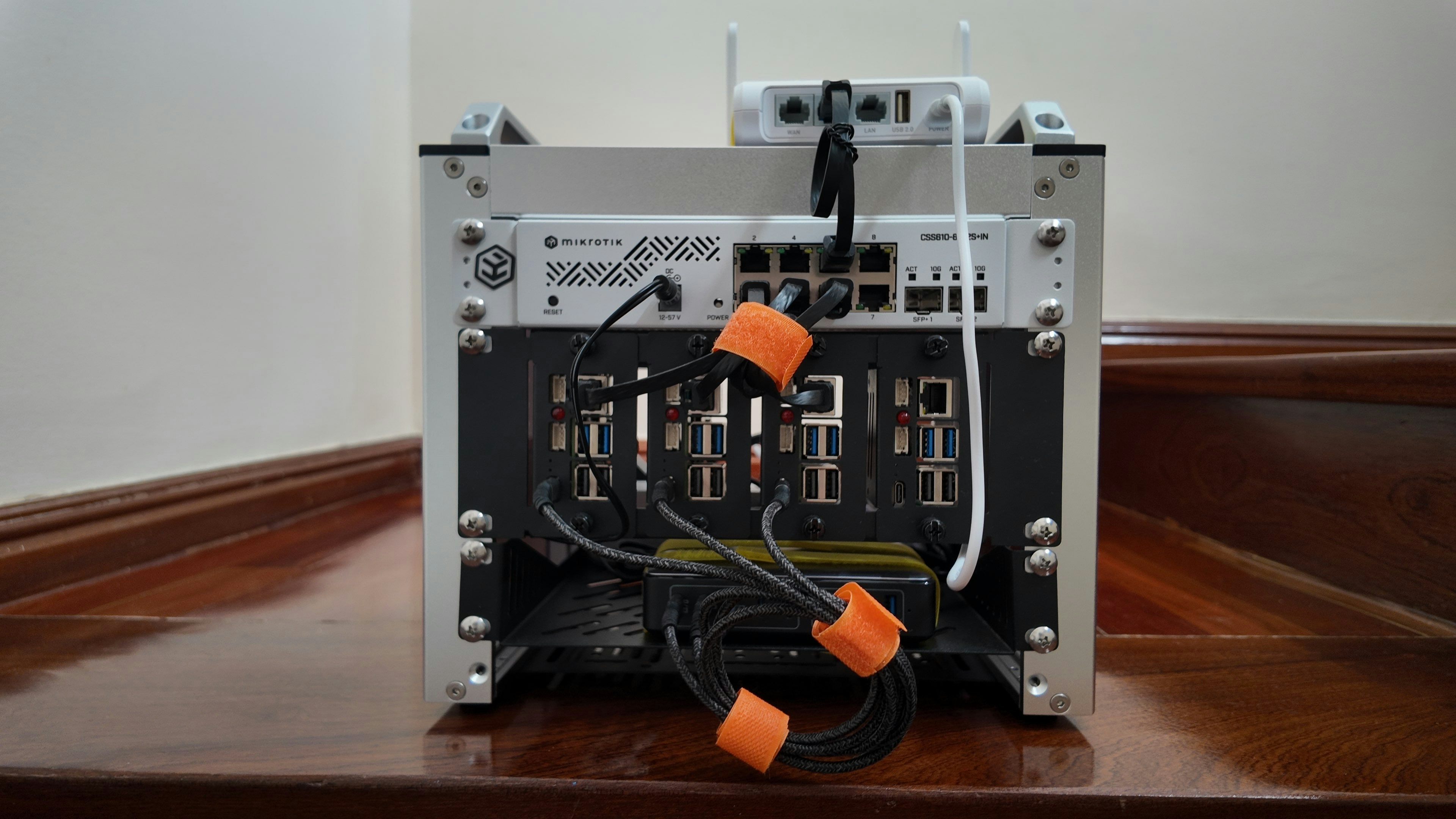
> Welcome to my homelab raspberrypi cluster.
 ## Special thanks
The two main sources that motivated me, and that i based this project on were these two videos from NetworkChuck and Jeff Geerling.
Got me started with local Kubernetes
Made me want to build a minirack setup
## Check out next
Overview of the cluster architecture
List of components used in the build
Setup for consistent behaviour while being portable
Check out a step-by-step guide on how to setup a copy of my cluster.
## Special thanks
The two main sources that motivated me, and that i based this project on were these two videos from NetworkChuck and Jeff Geerling.
Got me started with local Kubernetes
Made me want to build a minirack setup
## Check out next
Overview of the cluster architecture
List of components used in the build
Setup for consistent behaviour while being portable
Check out a step-by-step guide on how to setup a copy of my cluster.